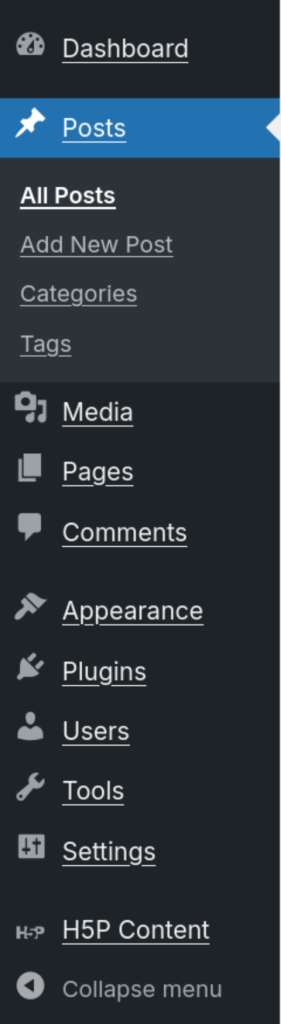
On the left side of your UCalgary Blogs site you will see the sidebar, near the bottom you will see a menu item labelled “H5P Content”. This is where can add, edit, remove, and share H5P material.
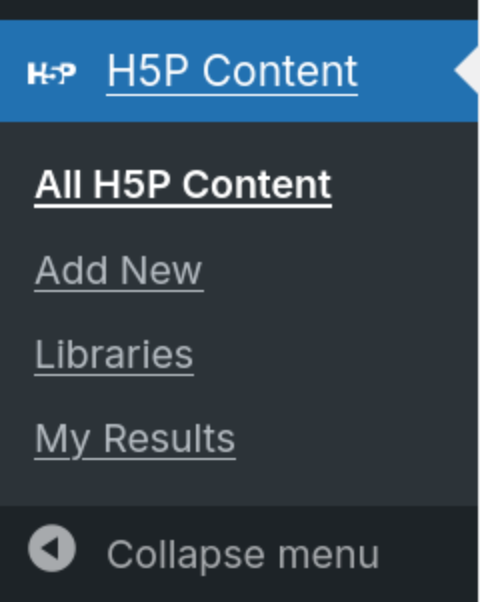
When expanded, you have the option of viewing all of your H5P content, adding new content, seeing which content libraries (timelines, quizzes, etc.) you have added to your site, and your results.
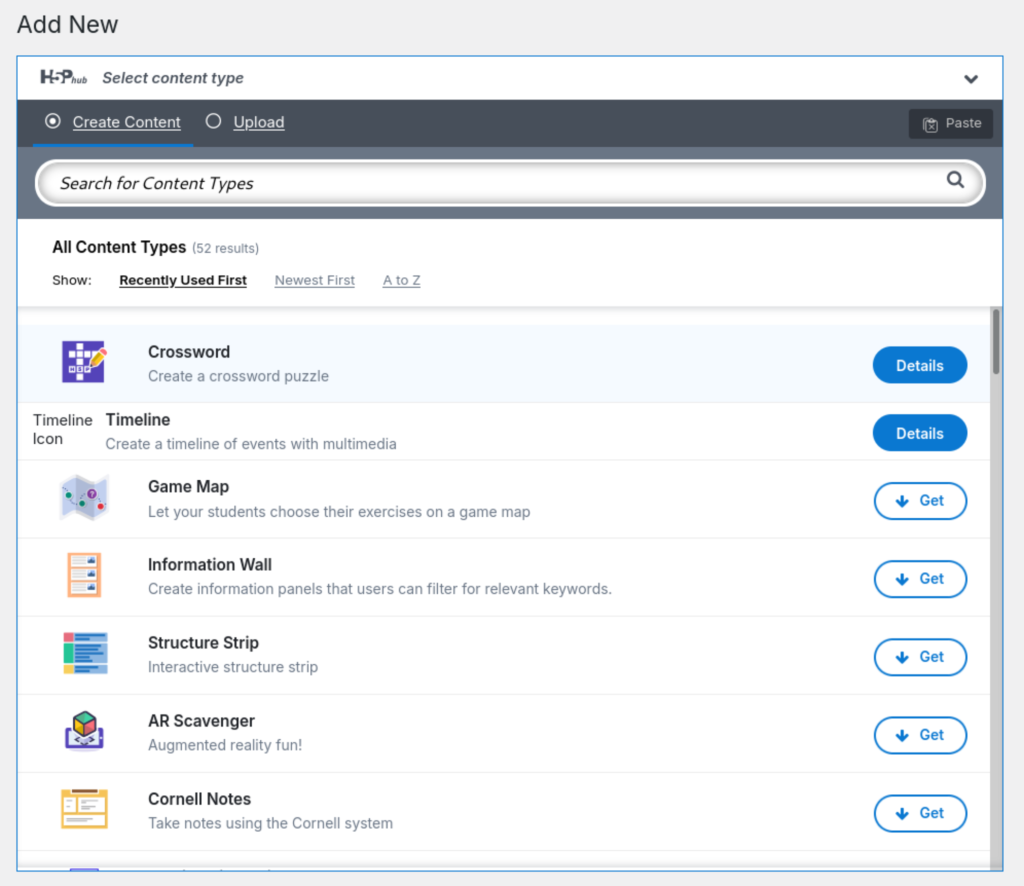
Add New Content Types
This is a list of content types you can embed on your site.
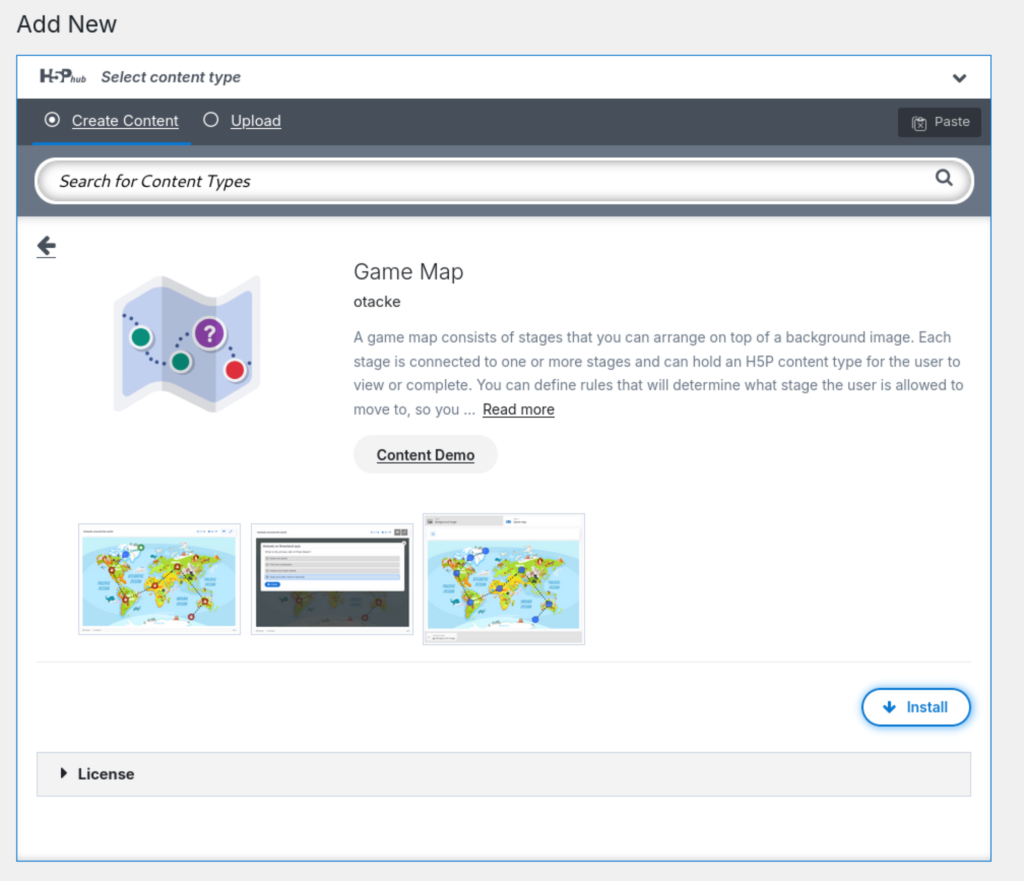
Install
Click the ‘Install’ button to install it to your site.
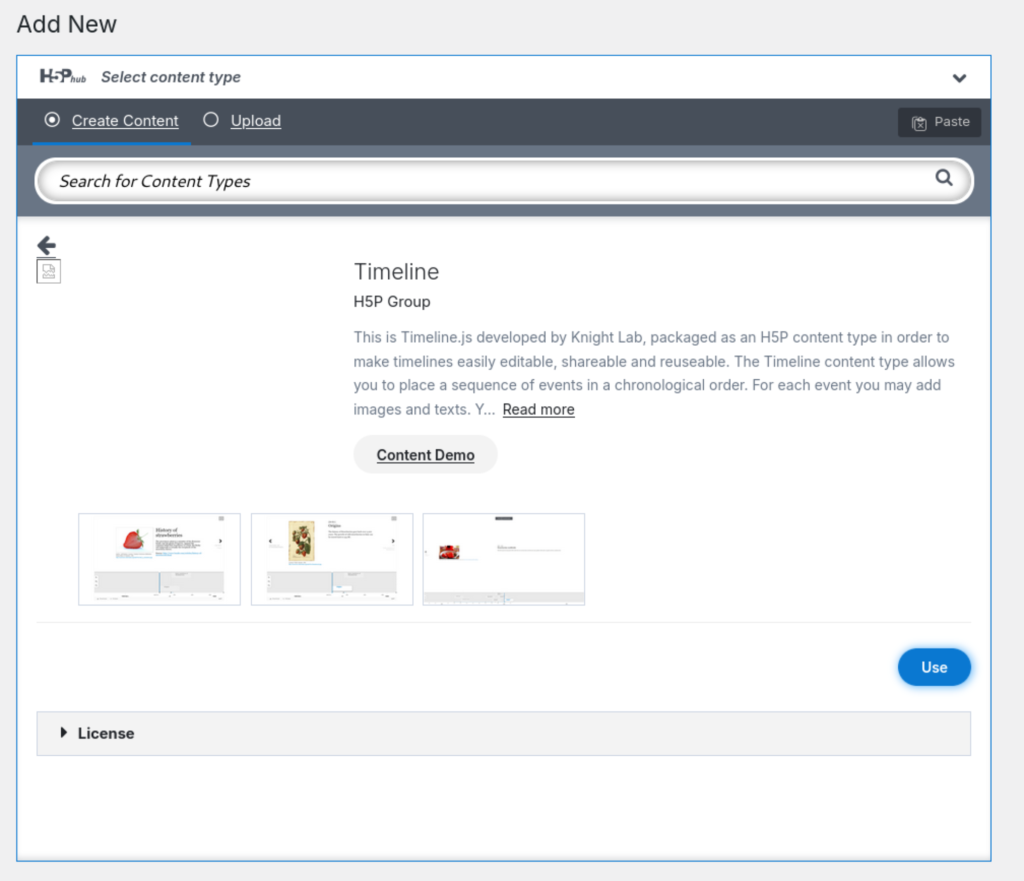
Use
Once it is installed, click the use button to create a new piece of H5P content.

- Each library has at the top of its details page a Tutorial and Example link specific to that library.