Sometimes when you upload an existing H5P content, it will be unable to successfully add it to your account due to a missing main library error.
This is because the content you are uploading depends on a base library for H5P that you have not used previously. In this example, the H5P content requires the Hot Spot library, which enables hot spot clicking functionality.
Click the ‘Create content’ button, and type in the missing library.
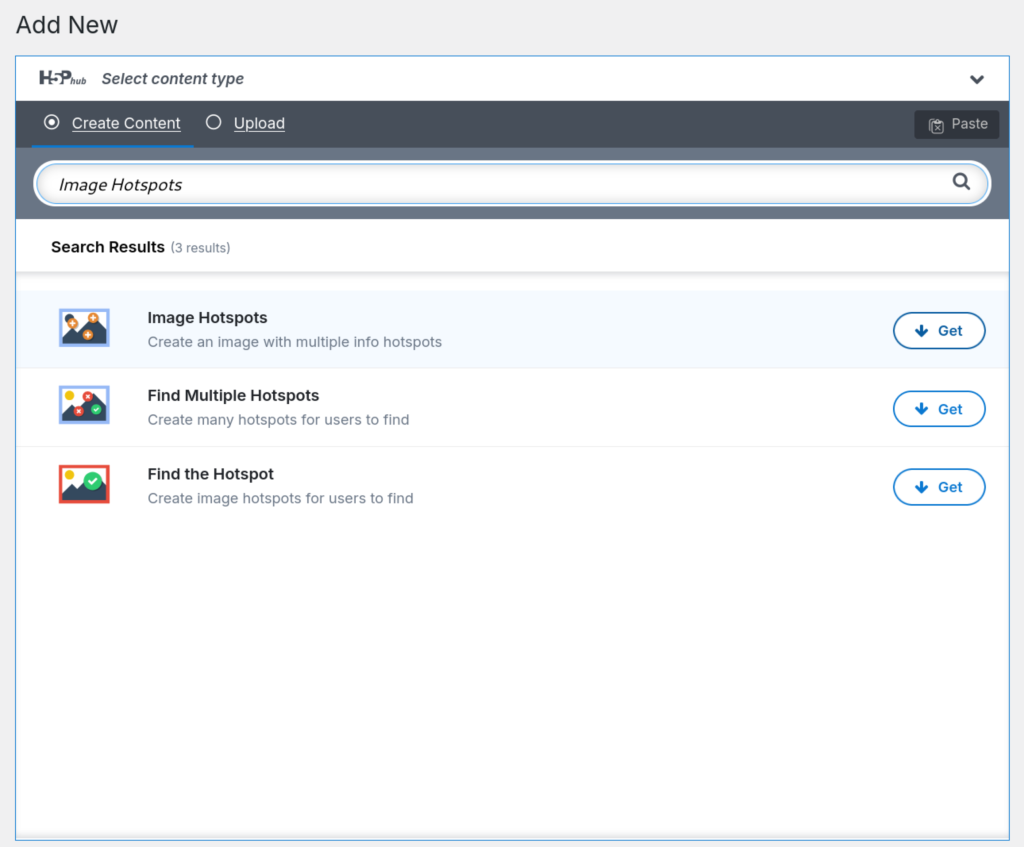
Click the Get button.
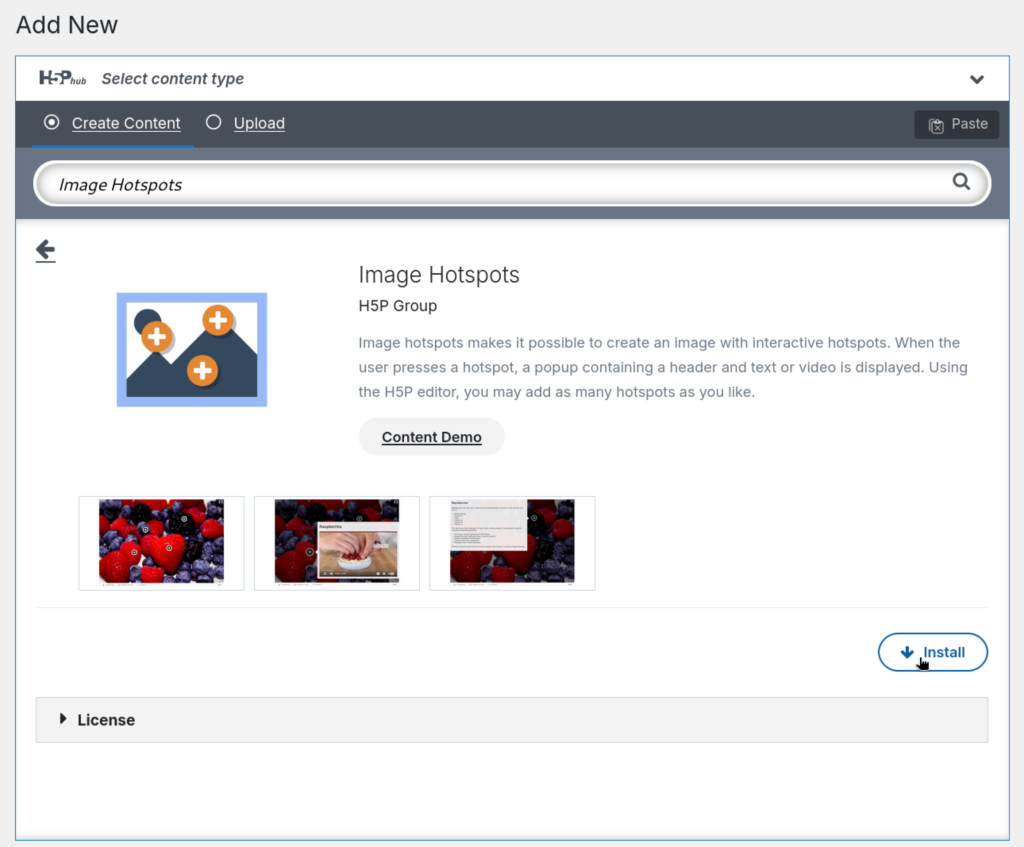
Click the Install button.
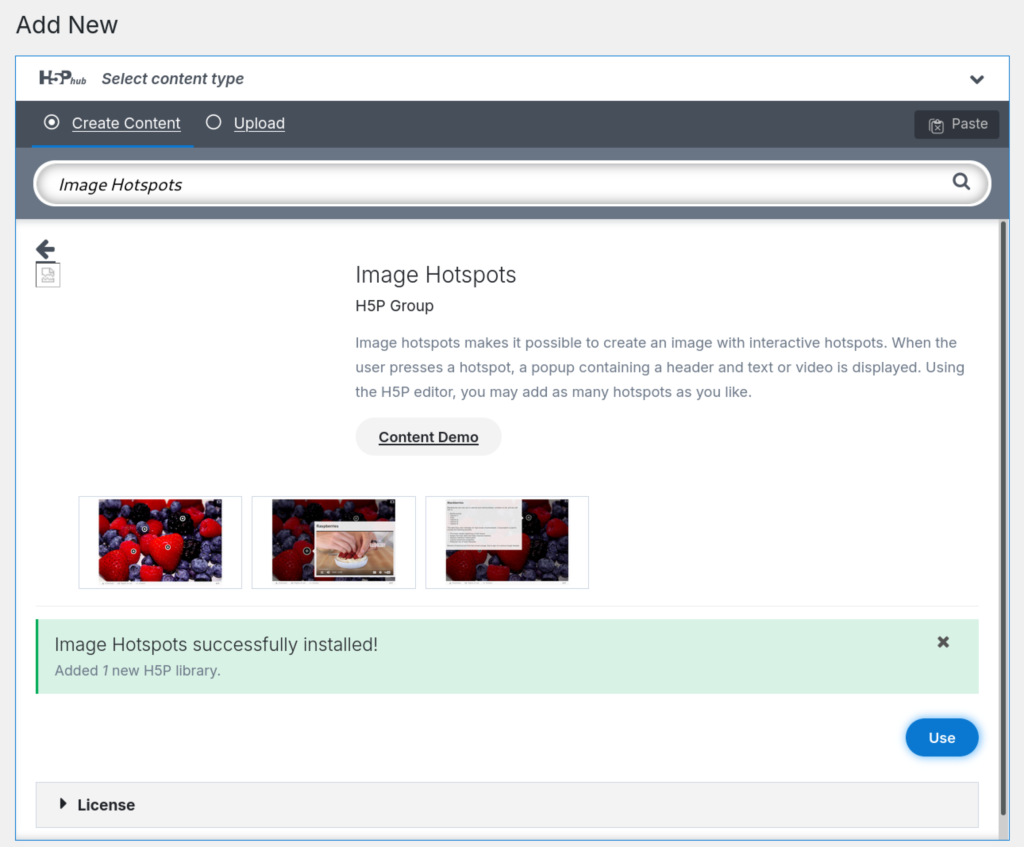
Once it is installed the button will change to Use. Click the Upload button to return to your H5P content upload and try again.
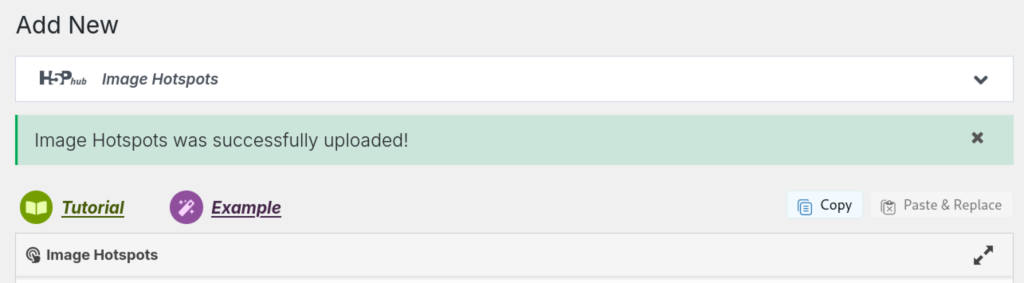
If it is successful, you will be able to edit your newly uploaded H5P content.